> For the complete documentation index, see [llms.txt](https://docs.sfbx.io/llms.txt). Markdown versions of documentation pages are available by appending `.md` to page URLs; this page is available as [Markdown](https://docs.sfbx.io/configuration/step-1-access-appconsent.md).
# Step 1: Access AppConsent
***
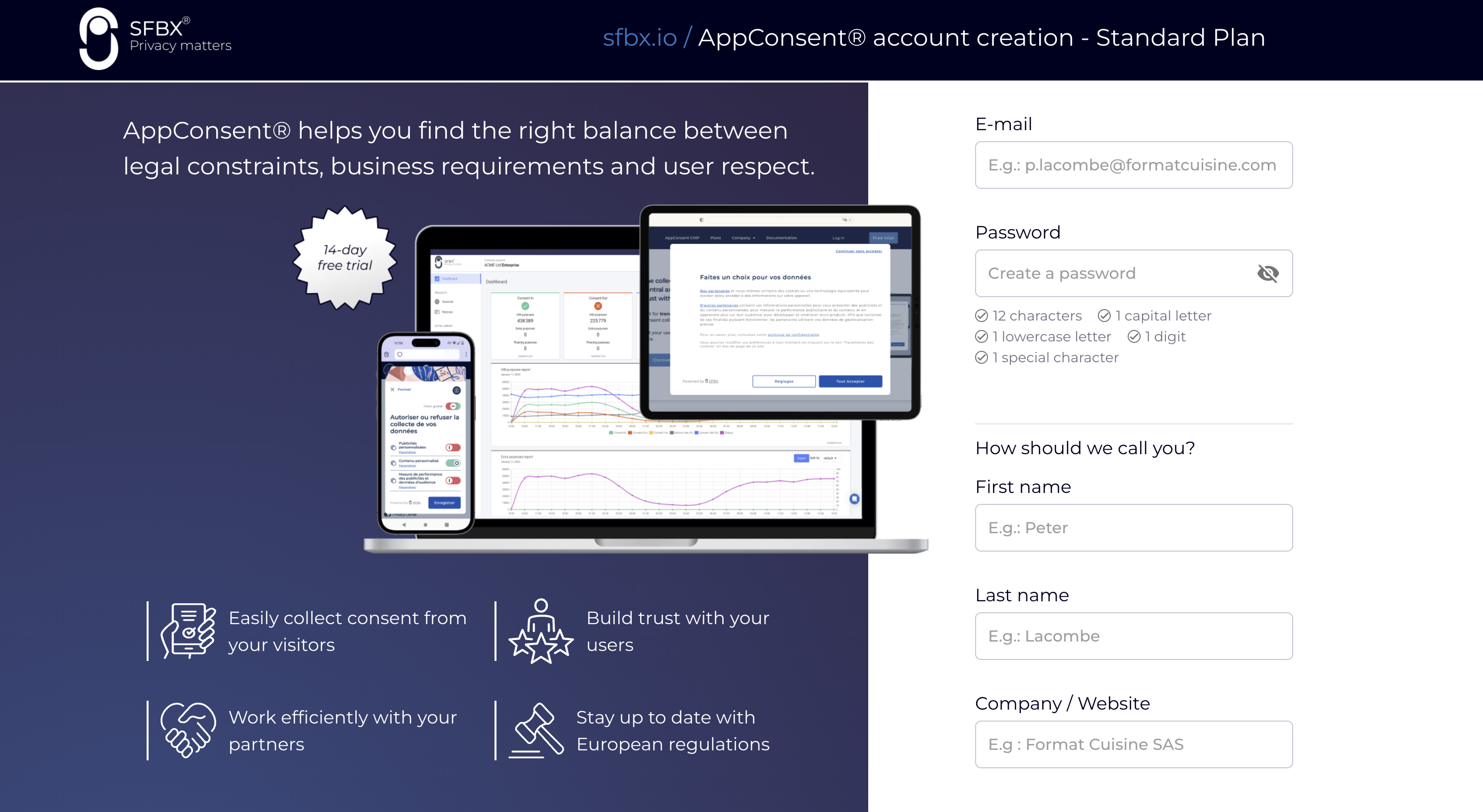
## Create an account
[Link to create an account now](https://app.appconsent.io/#/register)
For Essential and Standard plans:
You’ll be invited to complete some information about your profile (Company name, name and email).
After that, you will have 14 days to test one of the two AppConsent plans for free. You will be invited to complete your account information during this time. If you don’t complete your information, on the 15th day, you will need to do it and sign your contract before to access your account.
For Enterprise plan, [contact-us](mailto:support@sfbx.io)
***
## Switch plan or cancel subscription
From your account, you can manage your subscription: switch plan or cancel the current one.
### Switch Plan
Below your current plan's name, click on **Change Plan**.
You will be redirected to the plan change page to select the plan that suits you.
For Enterprise plan, [contact-us](mailto:support@sfbx.io)
For **Standard plan**, you can modify the options: the additional number of unique monthly visitors and the additional number of domains
### Cancel Subscription
In the navigation bar, click on your username and choose **Billing**, you will be redirected to Stripe to cancel your subscription.