> For the complete documentation index, see [llms.txt](https://docs.sfbx.io/llms.txt). Markdown versions of documentation pages are available by appending `.md` to page URLs; this page is available as [Markdown](https://docs.sfbx.io/configuration/step-2-create-a-notice/2.1.-create-a-source/add-extra-purpose.md).
# Add extra purpose
***
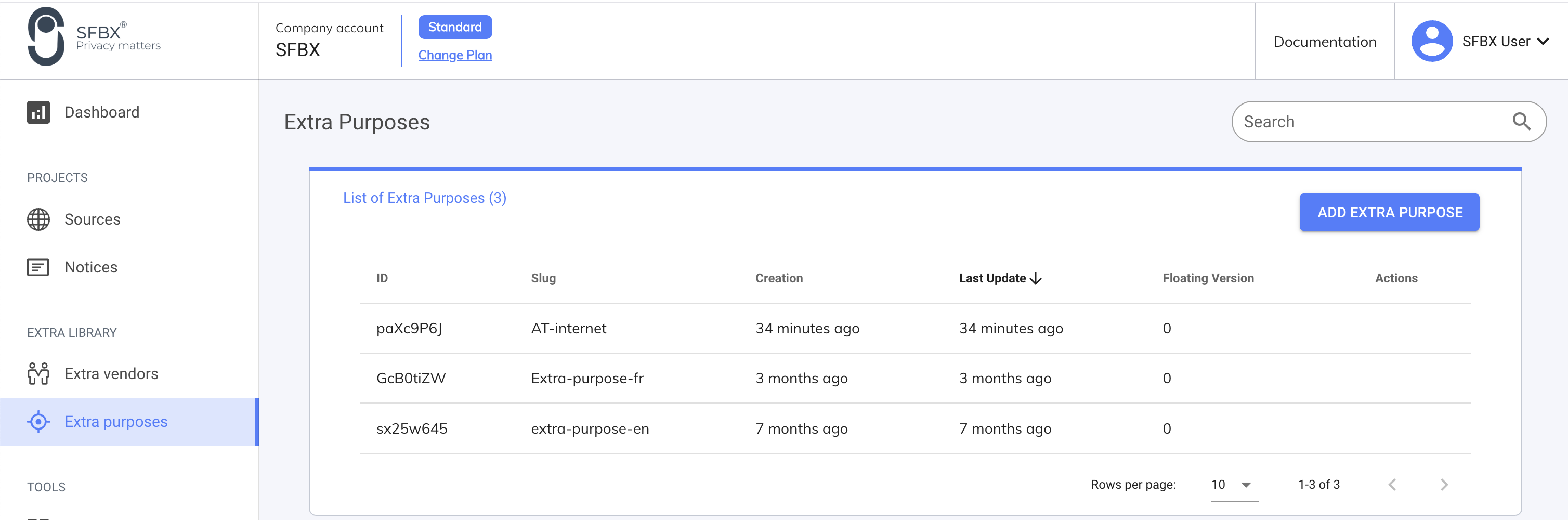
From the menu [**Extra purpose**](/help/glossary.md#extra-purpose), click on **Add Extra purpose**
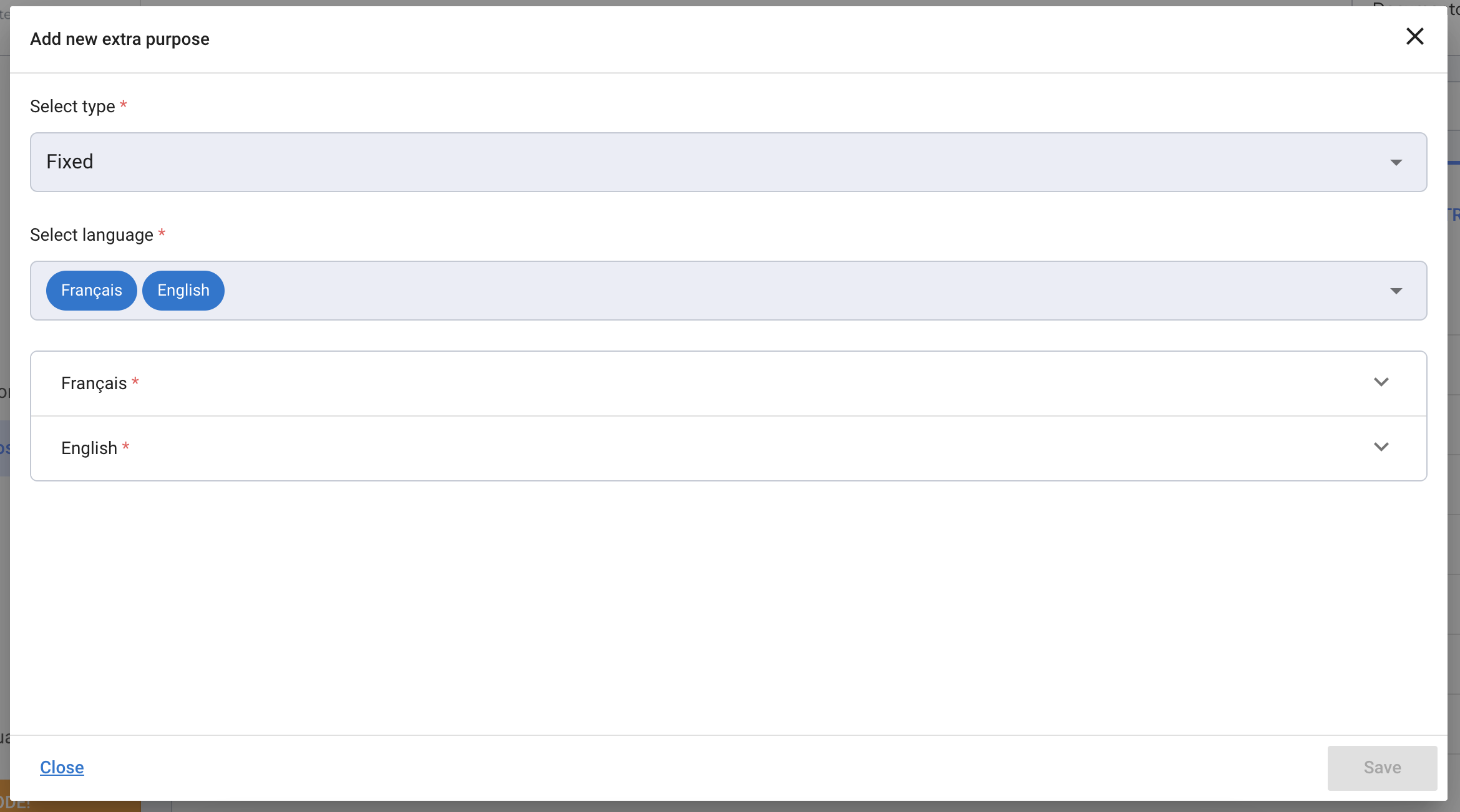
In **Type** field: select between a Fixed [extra-purpose](/help/glossary.md#extra-purpose) or a [Floating](/help/glossary.md#floating-purposes) one
* **Fixed** means that they will appear in the display of your notice.
* \[AppConsent Premium] **Floating** means that we do collect consent, but the display of the request is up to you.
Click **Save and Add** if you want to save and create another purpose. Otherwise, click **Save**.
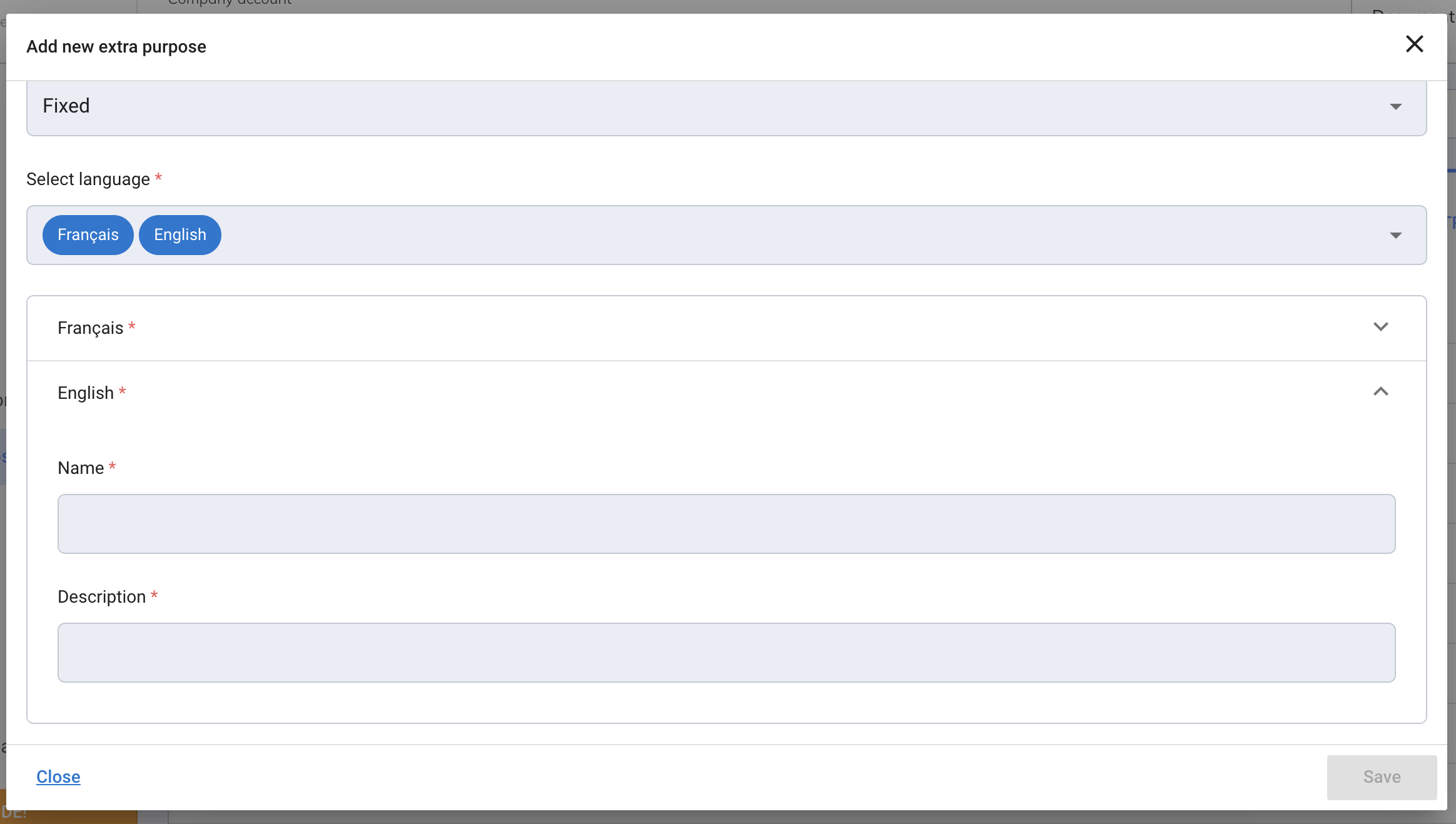
For each language, you select, fill in an extra purpose name and a description carefully, as these are the words that will be exposed to your users to get consent for this purpose.
{% hint style="info" %}
As an identifier, a Slug is created using the purpose name and the default language. It's unique across your account. It will be useful to operate **Source** settings.
{% endhint %}
You can edit your extra purpose at any time. Just go back to [**Extra purpose**](/help/glossary.md#extra-purpose) in the menu and click on the desiderated line. The popup will appear and you can update the information. Then, go into the **Notices** section, edit the notice form and save it again, to make sure the update is ok.
Once your extra purpose is created, you need to link it to at least 1 IAB vendor or Extra vendor, from the **Link your add-ons** section in the source creation form.
{% hint style="danger" %}
**CAUTION**
You can edit and change the purposes linked to a source whenever you need, but in this case, you must regenerate the notice concerned by this source: just edit the notice you want and save it (you don't need to alter anything). A new version of the CMP will be pushed to production.
{% endhint %}