> For the complete documentation index, see [llms.txt](https://docs.sfbx.io/llms.txt). Markdown versions of documentation pages are available by appending `.md` to page URLs; this page is available as [Markdown](https://docs.sfbx.io/go-further/advanced-settings-notice/specific-consents-floating-purposes.md).
# Specific consents (Floating purposes)
## Floating purpose feature
The Floating Purpose feature allows you to save consent in our blockchain for a non-IAB purpose that you have created, and whose acceptance or refusal is managed by you outside of our CMP (e.g., acceptance of the General Terms of Use). This way, you keep an immutable record of your user's choice in our blockchain.
## Creating a floating purpose
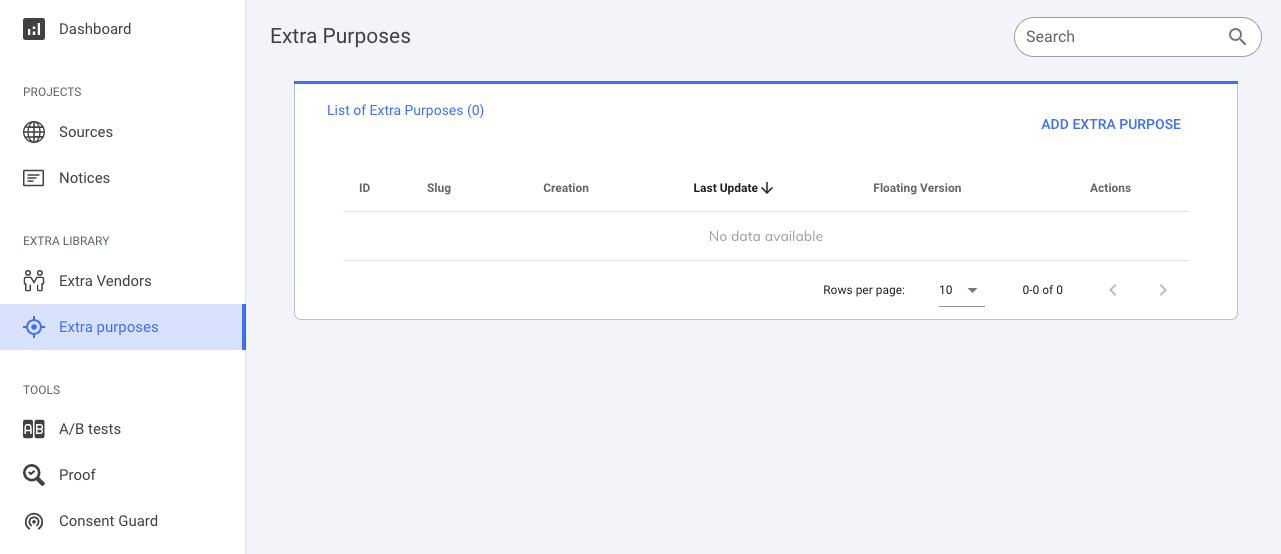
Either from the source creation page via the "create a non-IAB purpose" button or from the "Non-IAB Purposes" tab via the "Add Non-IAB Purpose" button.
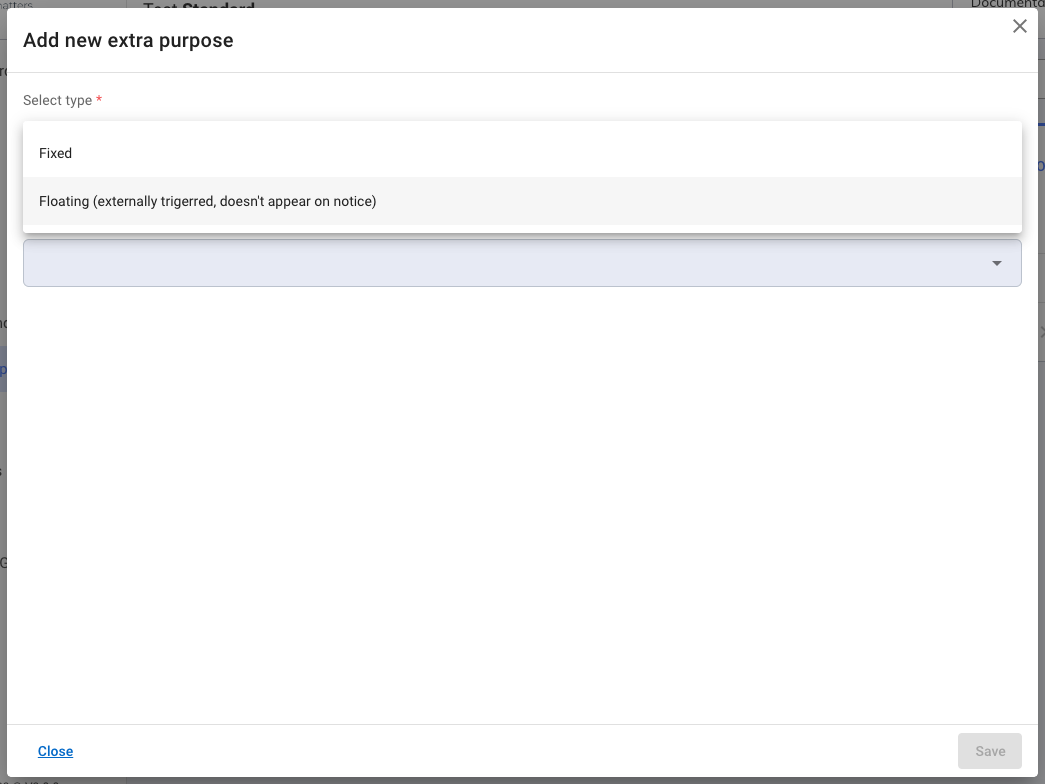
Then choose the "Floating" type from the drop-down menu and select the languages in which you want to provide information about this purpose.
Then, for each selected language, provide the name and a description of this floating purpose (this information will not be visible to your customers).
## Adding a floating purpose to your CMP
To add a floating purpose that you have created to your notice, go to step 2 "Configuration" of the notice creation and select it from the "Floating Purpose" drop-down menu. Finally, click "Next" or "Save", and your floating purpose will be added.